Sign In to NDP
NDP uses CI Logon as its primary authentication method, a platform funded by the NSF to manage Identity and Access for national cyberinfrastructure (CI) resources.
Please note: access to NDP computing services is limited to users with institutional or university email accounts. Do not register using commercial emails (e.g., Gmail, Outlook).
To log in and automatically register on NDP:
1- Go to the National Data Platform site.
2- On the top right of your screen, click on Log In/Register.
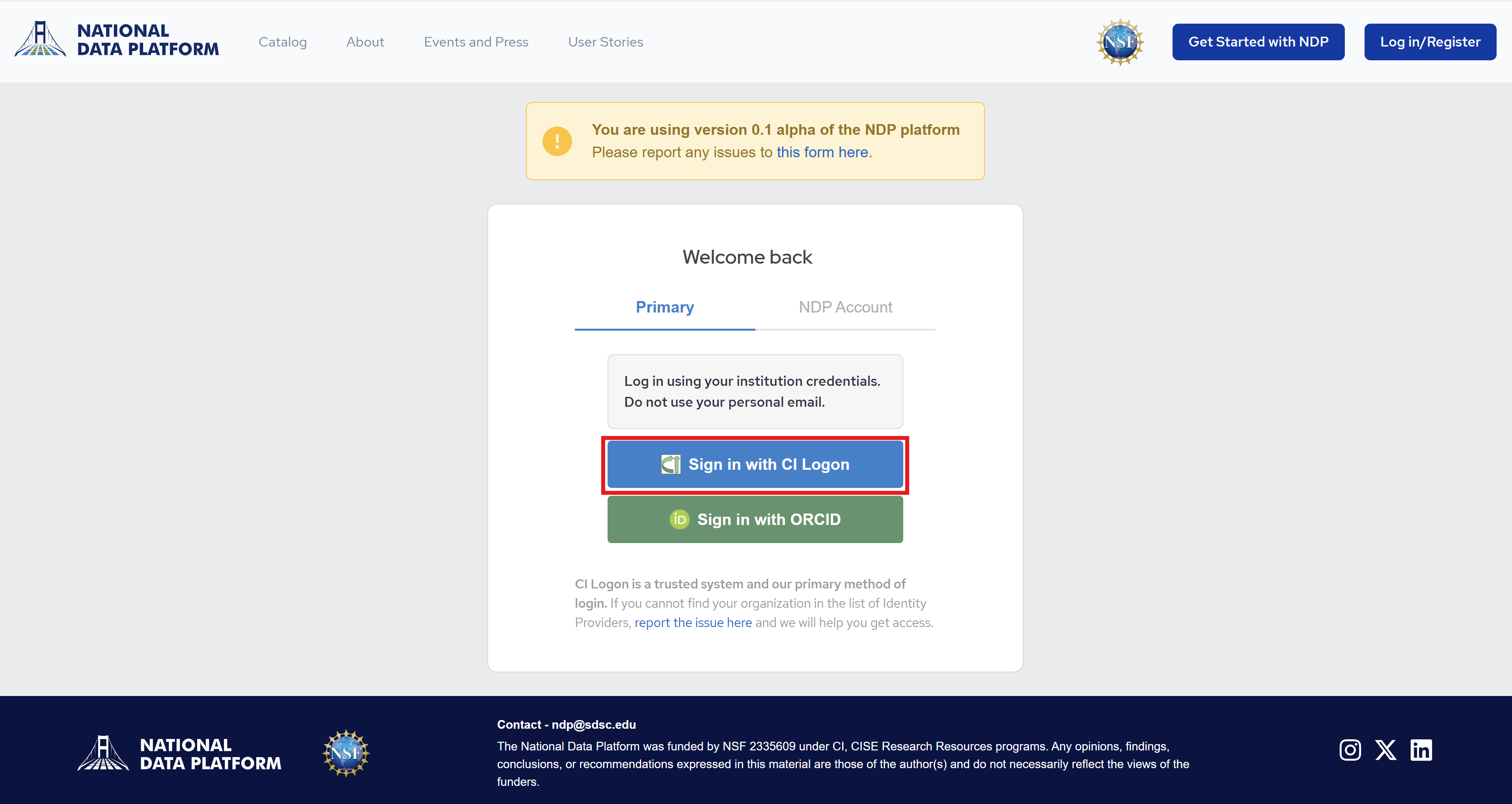
3- Click on the CI Logon logo. You will be prompted to the CI Logon site.
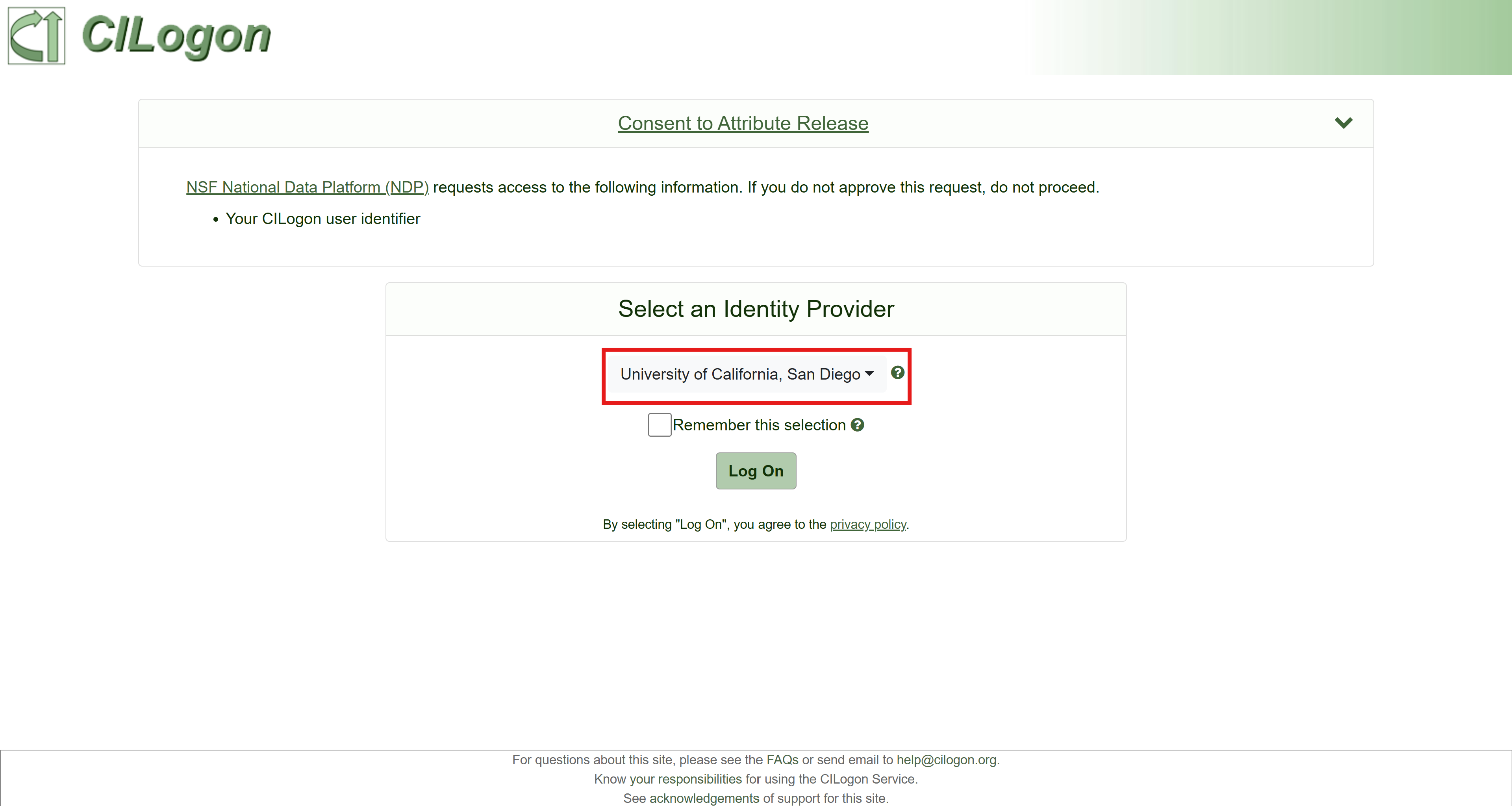
4- Select your institution and click Log On. Check the Remember this selection box so that you won't have to repeat this step in the future. You will then be directed to your institution's login system.
If you do not see your institution, you can create an ORCID. Your email address must be visible to trusted partners. For more information, email help@nationaldataplatform.org.
5- Enter your institutional credentials (username and password). After logging in, you will receive an email to verify your account. Make sure to review your inbox and verify your account.
6- After verifying your email, you will prompted to your Dashboard.